Platform handbook
Admin portal handbook
Run the institute: people, modules, cohorts, approvals, payments, broadcasts, and branding.
Dashboard
Platform totals for tutors, students, modules, cohorts, lectures, homework, and events.
- 1
Scan health
Open /admin and confirm counts match expected operations.
- 2
Follow orange dots
An orange dot on Modules means lectures need approval. The notification bell uses the same orange tone for unread alerts.
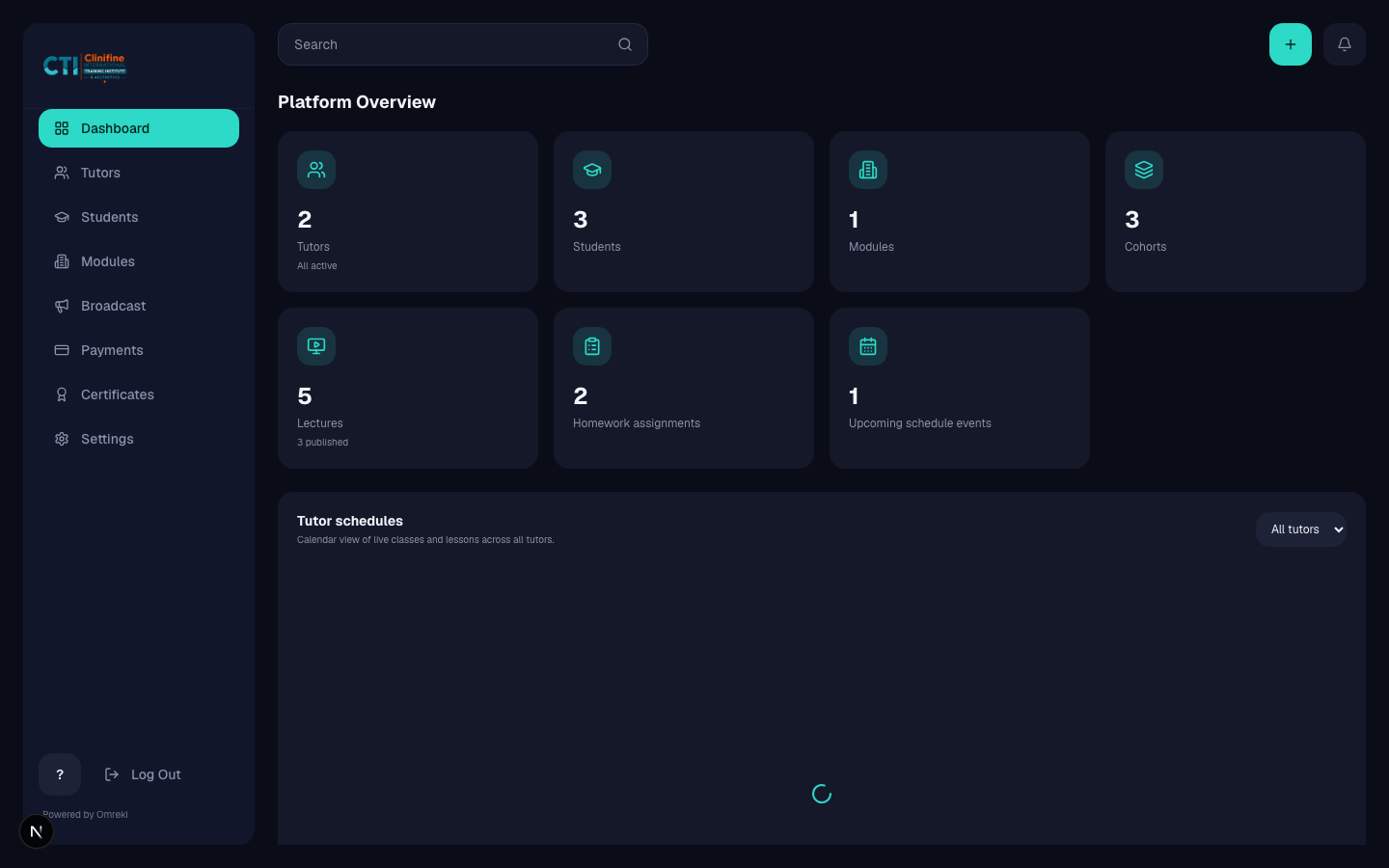
Modules and cohorts
Create the academic structure students and tutors live inside.
- 1
Open Modules
Go to Modules (/admin/departments).
- 2
Create or edit a module
Set name, description, price, thumbnail, and visibility.
- 3
Add cohorts
Use + Cohort for intakes (for example August Intake). Archive or rename as needed.
- 4
Review lectures
Open pending lectures, preview content, then publish, approve a revision, or suspend.
Tutors and assignments
Create tutor accounts and attach them to modules and cohorts.
- 1
Create a tutor
Open Tutors → create account with name, email, password, and primary module.
- 2
Assign modules and cohorts
Click Assign. Select department/module, assigned modules, then cohorts. Save.
- 3
Suspend or remove
Suspend blocks login. Delete removes the account (lectures remain).

Students
Manage student accounts, enrollments, payments flags, and discipline.
- 1
Create or edit students
Set profile details, module, and cohort.
- 2
Enrollment ops
Mark enrollments paid when needed, reset passwords, warn, suspend, or reactivate.
Broadcast, payments, certificates, settings
Institute-wide operations beyond academic structure.
- 1
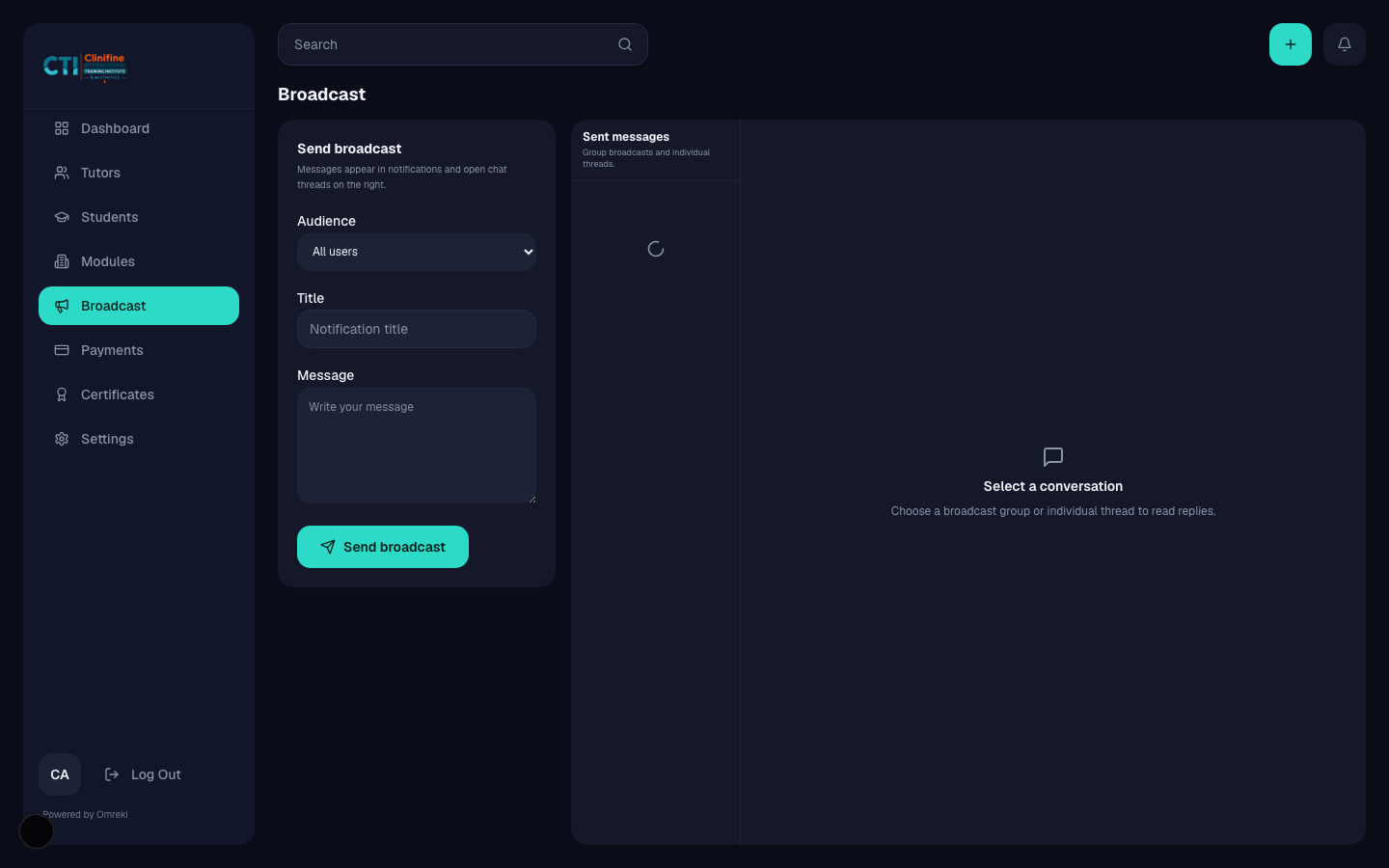
Broadcast
Compose audience messages and review prior sends.
- 2
Payments
Review pending enrollments and module pricing.
- 3
Certificates
Approve or reject tutor-submitted grades. Passes lead to certificates. Fails lead to transcripts.
- 4
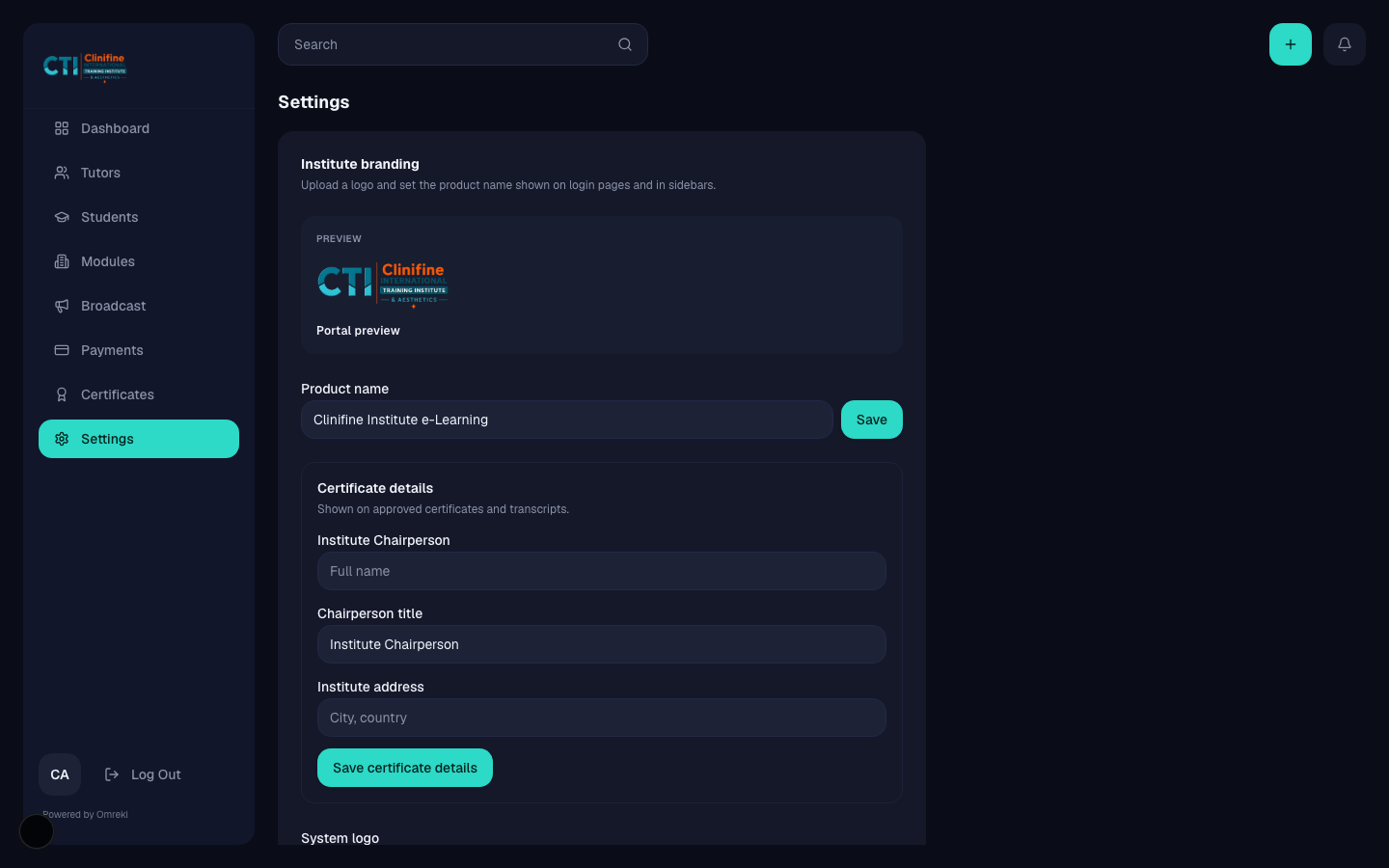
Settings
Update brand logo and name used across login and sidebars.